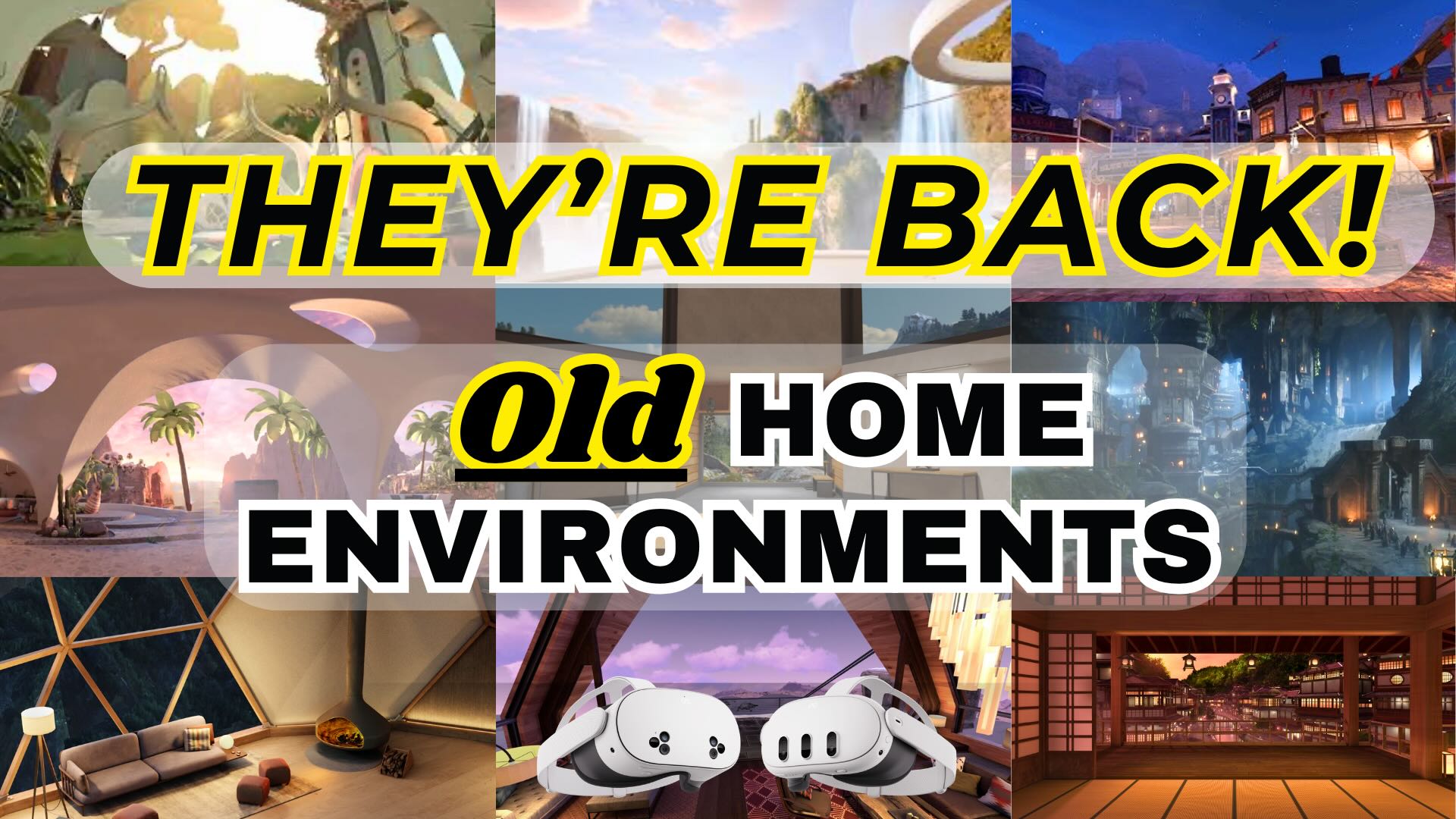
Learning how to customize the new home environment on your Meta Quest 3 or 3s will help make it feel more personable and a place you can chill. Though the majority of us are disappointed about the loss of so many great virtual environments, I still thought it necessary to show you these tips so that you can make the best of it. Watch the video below or read further down about the changes that you can make.
Here are the things that you can adjust in the new Home Environment:
- Scenery Options (Replaced Virtual Environments)
- Optional Windows
- Anchoring Apps
How to Change the Scenery (Virtual Environment)
To change the Scenery option you will need to click the menu button on the left controller. This will bring up a menu with a few options but the one in the middle is the selection of Sceneries that you can choose from. For any that you don’t have, you will need to download them first, then you can apply them.
Optional Windows
In that same menu where you accessed the Scenery options, you will see at the bottom different window options that you can have. As of the time of making this tutorial, the only options are Horizon World Portal, Avatar Mirror, and Instagram Feed. And actually the only one that you can remove is the Instagram Feed.
Anchoring Apps
If there is an app that you always want to be up in the home environment, you can make it so it is “Anchored” there. To do this, open up the app you want (I show it with the Settings window). At the bottom there will be the three dots, click on that and select anchor. You can then click and drag it around your Home Environment until you have it in a place where you want it. This can be done for up to three windows/apps.
Check out my other Meta Quest Tips here!